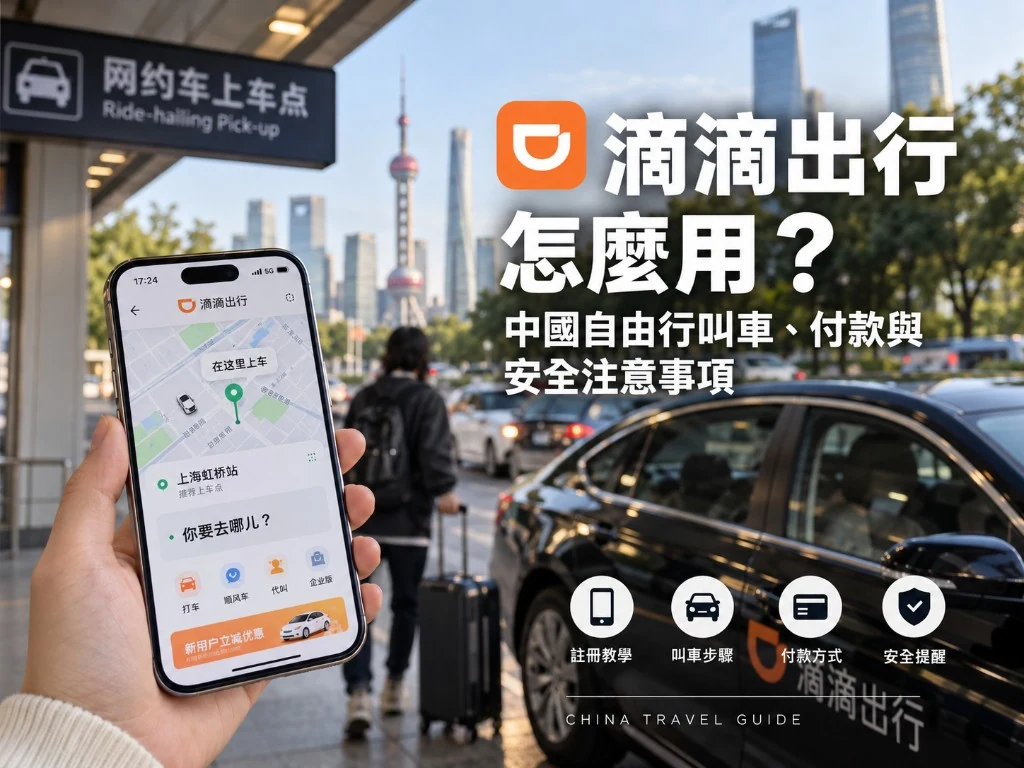

In big Chinese cities, ride-hailing is more common than waving down a street taxi. The name you will hear most is DiDi Chuxing.
Taiwan travelers usually do not fail on “tap request”—they fail on these three:
- Payment is not ready (charge fails after the ride)
- Pickup pin sits where drivers cannot legally stop
- A car arrives and they board without matching the plate
This guide walks the most reliable path. UI labels change—match by meaning.
The more reliable way to request a ride
Do not rush to install the standalone DiDi app. For most Taiwan travelers, the steadier path is:
- Finish Alipay real-name verification + card binding
- Open Alipay and search Transport or DiDi
- Enter the mini program → enable location → set pickup and destination → request
- After drop-off, the fare usually debits Alipay automatically
You usually do not need a second DiDi registration or a second card bind. WeChat may also expose ride entry points, but coverage and UX vary by city.
Related links
- Alipay · WeChat Pay
- Amap vs Baidu (Amap can also compare ride platforms)
- China eSIM (no data = no ride)
Pre-trip checklist (do not land and request blind)
| Check | Why |
|---|---|
| Alipay KYC + card bound, with a small successful pay | A completed ride with a failed charge is painful |
| Precise location permission on | Pickup pins only work when GPS is accurate |
| Hotel Chinese address saved / screenshot | For the driver and destination search |
| Mobile data available | Airport Wi‑Fi is often flaky |
City rides: step by step
- Open the Alipay mini program (Transport / DiDi).
- Allow location. If indoor GPS drifts, walk to the entrance before requesting.
- Adjust the pickup pin (critical): drag it to a place cars can stop—hotel door, mall entrance, temporary curb bay. Avoid lane centers and no-stopping underpasses.
- Enter destination in Chinese; with many lookalikes, pick the address that matches and looks legitimate.
- Review estimate and car type: Express is the everyday choice; more luggage may need a larger car. Estimates can change with traffic/wait.
- Confirm the request and wait for assignment.
- Read driver info: plate, color/model, surname, ETA.
- When the car arrives, match the plate before boarding. Drivers may ask for your phone’s last four digits—answer only if it matches.
- Trip ends, system charges; you can rate the driver.
Ready when: the fare is charged and the trip appears in history.
Airports and stations (where people go wrong)
Major mainland airports usually require ride-hail cars to use a marked ride-hailing waiting area (often in a parking structure)—not the curb outside arrivals.
- In the app, select the correct terminal (T1 / T2, etc.).
- The system often relocates the pin to the waiting zone and shows walking directions—follow them.
- Collect luggage before requesting, or budget wait time (overtime fees may apply—trust the app).
- For drop-offs, choose the correct terminal and leave buffer for traffic and security.
Remember: wait under Ride-hailing signs. Standing on a red no-stop curb while requesting invites empty-trip disputes.
Safety checks before you board (make it a habit)
| Verify | How |
|---|---|
| Plate | Exact match to the app |
| Model / color | Roughly matches |
| Driver | Check avatar/surname; give the correct last-four digits when asked |
| Mismatch | Do not board; cancel in-app or contact support |
At night, wait in bright, busy spots; share the trip with companions. If a driver asks you to close the app and pay cash / transfer privately, be careful—platform payment is what protects you.
Why the final price differs from the estimate
- Estimates are estimates; traffic, detours, waiting, and peak surge can raise the bill.
- Charge fails: switch payment method, confirm the bank is not blocking, turn VPN off and retry.
- Keep trip records for disputes.
Bad GPS and no cars
- Use mobile data with Precise location on.
- Manually drag the pin to a clear landmark.
- Message the Chinese address to the driver in-app (translation tools often help).
- Peak / rain: wait longer, or open Amap ride-hail to compare platforms.
- Short hops: metro; city-to-city: high-speed rail first.
Do you still need the standalone DiDi app?
You can install it, but binding overseas cards directly inside DiDi is less reliable. If payment fails there, return to the Alipay mini program. For most independent trips, staying inside Alipay is enough.
DiDi works when payment is ready, the pin is legal, and you match the plate before boarding. Memorize: Alipay ready → Transport/DiDi search → drag a good pickup → verify plate → online debit. At airports, always use the ride-hailing waiting zone—never force a curb pickup at arrivals.