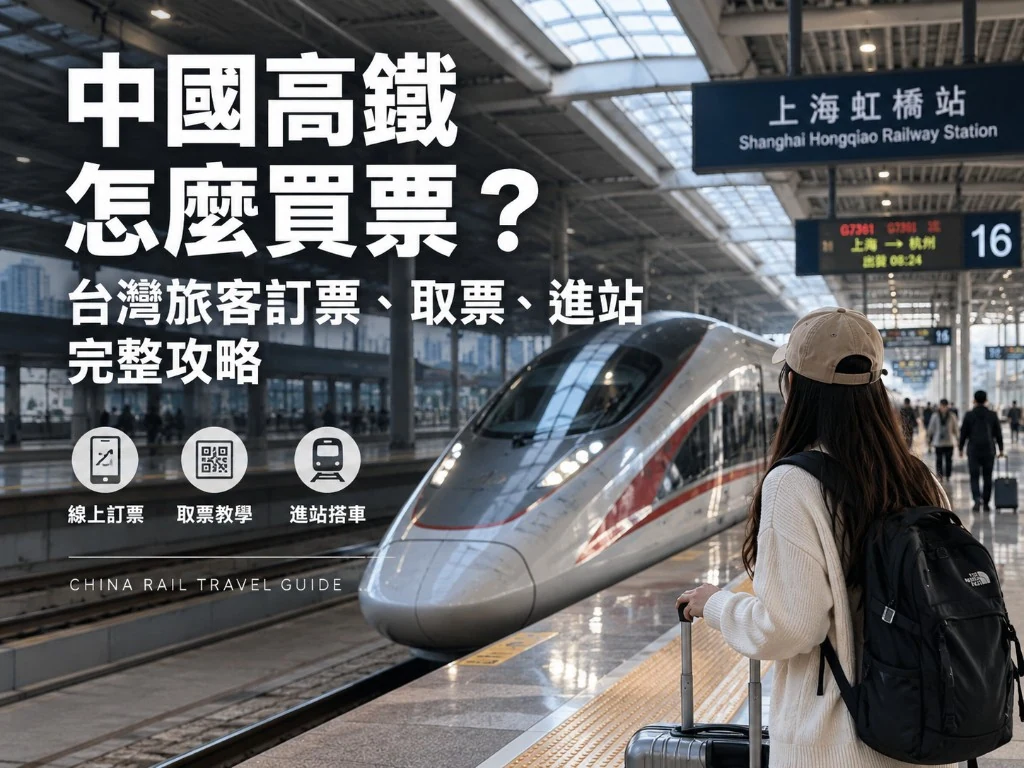

Between Chinese cities, high-speed rail is often easier than flying: city-center to city-center, strong punctuality, less luggage hassle. Taiwan travelers usually get stuck on two things:
- 12306 app registration / real-name checks (Travel Permit “pending verification”)
- How to enter the station and find the correct car
This guide breaks “download → sit in your seat” into steps you can follow. Screens redesign—match by meaning.
The most reliable ticket path
- Before departure, download official Railway 12306 (official stores only)
- Register with +886 → upload the Travel Permit for face / ID verification (status often shows “pending verification”)
- After approval, search trains, pick seats, pay (Alipay / WeChat / some overseas cards—trust the app)
- At the station, use the original Travel Permit at the gates; keep the e-ticket / itinerary QR handy on your phone
You can also buy at windows or kiosks, but peak queues are long and station Wi‑Fi is painful—so finish verification and purchase in Taiwan before you fly.
Related links
Step 1: Download and register
- Search “Railway 12306” or “12306” in the App Store / Google Play; confirm the developer is official.
- Register with Taiwan +886; set a login password.
- You will be asked for real-name / passenger details—this is the real bottleneck.
Ready when: you can log in and see Me / Passenger entries.
Step 2: Travel Permit verification (what “pending verification” means)
When Taiwan travelers use the Travel Permit, 12306 often shows pending verification: data is submitted, but you cannot buy online until it passes.
- ID type: Mainland Travel Permit for Taiwan Residents.
- Enter the ID number and name exactly as printed.
- Photograph / face check as instructed—good light, flat permit, no glare.
- Submit and wait. Do not hammer resubmit while pending (that can lock the flow).
Ready when: passenger status becomes approved / purchasable (wording varies).
If stuck:
- Long wait: change network, update the app, check again after a few hours; still stuck → station window with the original Travel Permit.
- Wrong name / number: delete the bad passenger and recreate—do not keep repeating bad data.
- Same-day departure and still pending: buy at the station window (Travel Permit + passport as backup).
Step 3: Search trains and pick seats
- On Home, enter origin, destination, and date.
- Read train prefixes: G / C are usually high-speed / intercity; D is EMU; letters imply different speeds and prices.
- Seats: Second Class is the everyday pick; First / Business cost more and are wider. Window / aisle may be choosable later (or randomized when sold out).
- Confirm the passenger is the verified one.
- Submit and pay within the countdown (timeout cancels the hold).
Peak reminder: holidays and Spring Festival sell out fast. Book early; if sold out, try nearby times/stations or switch to flights / coaches.
Step 4: Payment
- Prefer already-working Alipay / WeChat Pay.
- Some builds accept overseas cards, but results are uneven—do not rely on them alone.
- After paying, open Orders / Tickets and confirm Paid / Ready to travel.
Ready when: the order shows train number, date, seat, and passenger.
Step 5: Station day flow (text walkthrough)
- Arrive early: big-city stations usually need 30–45+ minutes; add buffer if you are unfamiliar.
- Security: bags through X-ray—similar to airports but usually faster.
- ID check / gates: present the original Travel Permit. Most gates scan the ID; if it fails, use the manual lane.
- Read the big board: your train → gate number → platform.
- Board: car number is on the ticket / app (e.g. Car 08); match the door plaque and seat. Keep luggage out of aisles.
- Alight: listen for announcements / watch the screen; large stations stop briefly—pack early.
In the e-ticket era you usually do not collect paper first; if gates fail, the window can help. Keep the Travel Permit on you—phone screenshots alone are not enough.
Changes and refunds (plain rules)
- In app Orders find Change / Refund; earlier actions usually cost less (rules change—trust the live screen).
- Near departure, change options shrink; missing a train can be expensive.
- Refunds return to the original payment method on uneven timelines.
Luggage and onboard
- No airline-style checked bags: you carry luggage aboard to racks or beside seats.
- Oversized items may draw security questions; carry-on sized cases are usually fine.
- Dining cars / trolleys exist; some onboard ordering needs mobile pay and data.
FAQ
Can I buy HSR tickets with a passport?
For Taiwan travelers the mainstream ID is the Travel Permit. Passport use differs; follow 12306 / station rules and prepare the Travel Permit as your primary ID.
Must the ticket holder present the same physical ID?
Yes. Real-name rules require the original Travel Permit used at purchase.
Can I buy for family?
Yes—add each passenger, and each needs verification; child/elder rules follow in-app notices.
What if I cannot read Chinese?
Search stations in pinyin; at the station follow train numbers and gate digits. Screenshot train number, time, and station names offline before you go.
HSR independent travel in one line: 12306 verification first → book early → original Travel Permit through the gates → match train and gate numbers. Prepare payment and data before departure—do not treat “buy at the station” as Plan A.